From your idea to a visual story on your screen.
You say what you have in mind. Implicit's AI turns it into a finished video made for your screen. You watch it, change what you like, and choose what plays.
Set up your screen
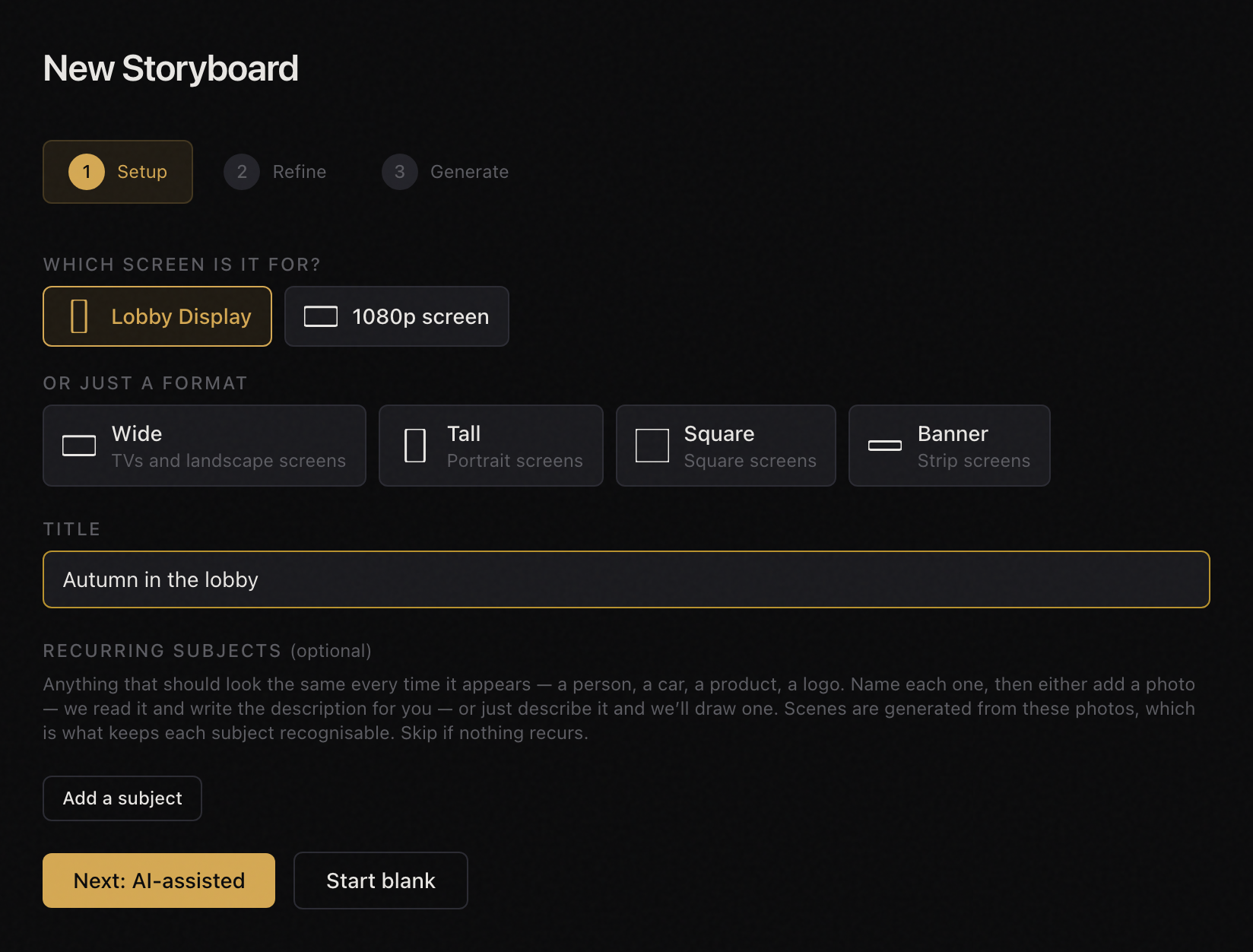
Your screen's exact shape.
Add your screen with its exact size, however unusual: a forty-foot tall lobby screen, a long strip over reception. Then pick it when you make a video, and the video is made at that shape from the first frame, so nothing is cropped or stretched to fit. No screen set up yet? Choose a format instead: wide, tall, square or banner.

Every screen in the building, one account.
The lobby, the elevator banks, reception. Each screen has its own shape and its own content, and you run them all from the same place.
Make a video, in five steps
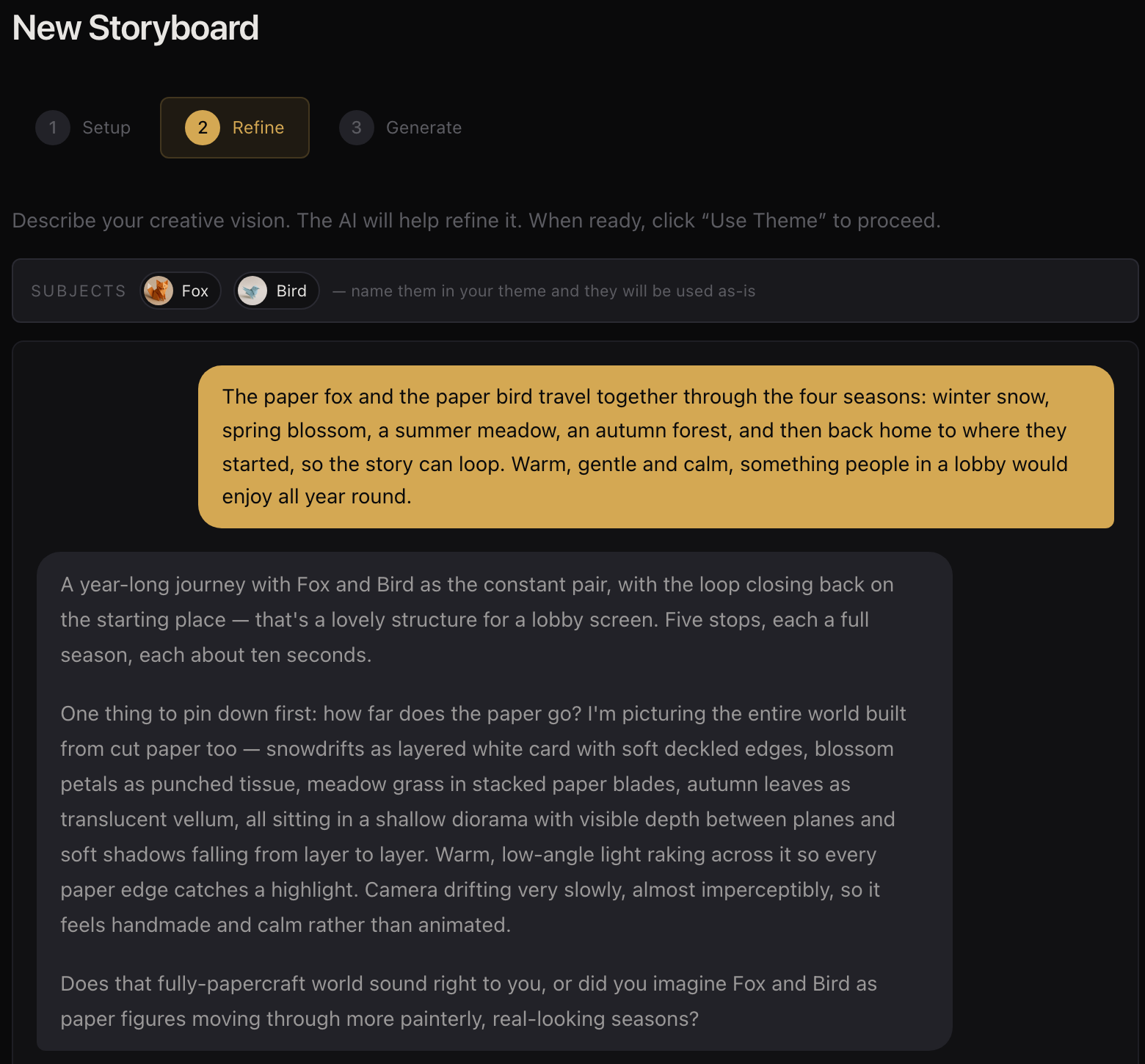
1. Set the theme, in a conversation.
Say what you have in mind, the way you would to a person: “Something calm for the lobby this autumn, in our colors, that people will not get tired of.” Implicit's AI asks what it needs to, one question at a time, and writes the theme for you: the look, the mood, what happens in it, and how each scene flows into the next. Show it a picture if that is easier than words. There is no prompting to learn. You can read the theme it wrote and change any word.
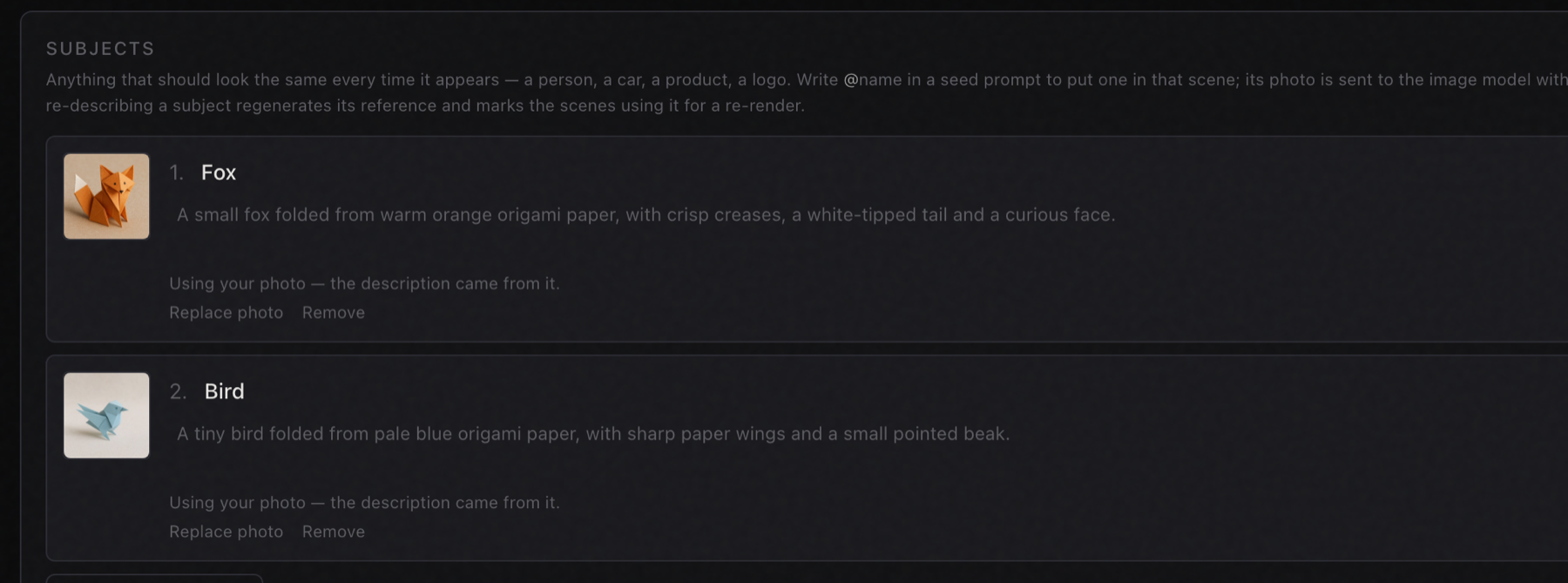
2. Add your characters and products, if you have any.
A person, a mascot, a car, a product, your building: anything that should look the same every time it appears. Name it, then upload a photo, or say what it looks like and let Implicit draw it so you can see it first. Every scene it appears in shows the same one, not a new guess each time. This is not a logo: a logo sits on top of the video; a character or product is in the picture, lit like everything around it.
3. Choose how long.
As many scenes as the idea needs, from one to two hundred, and how long each one runs. A video generator gives you a few seconds at a time; a storyboard is as long as your idea. Part of it can repeat seamlessly as many as ten times, and the repeats are free: a long video without paying for all of it. Choose standard or high quality.
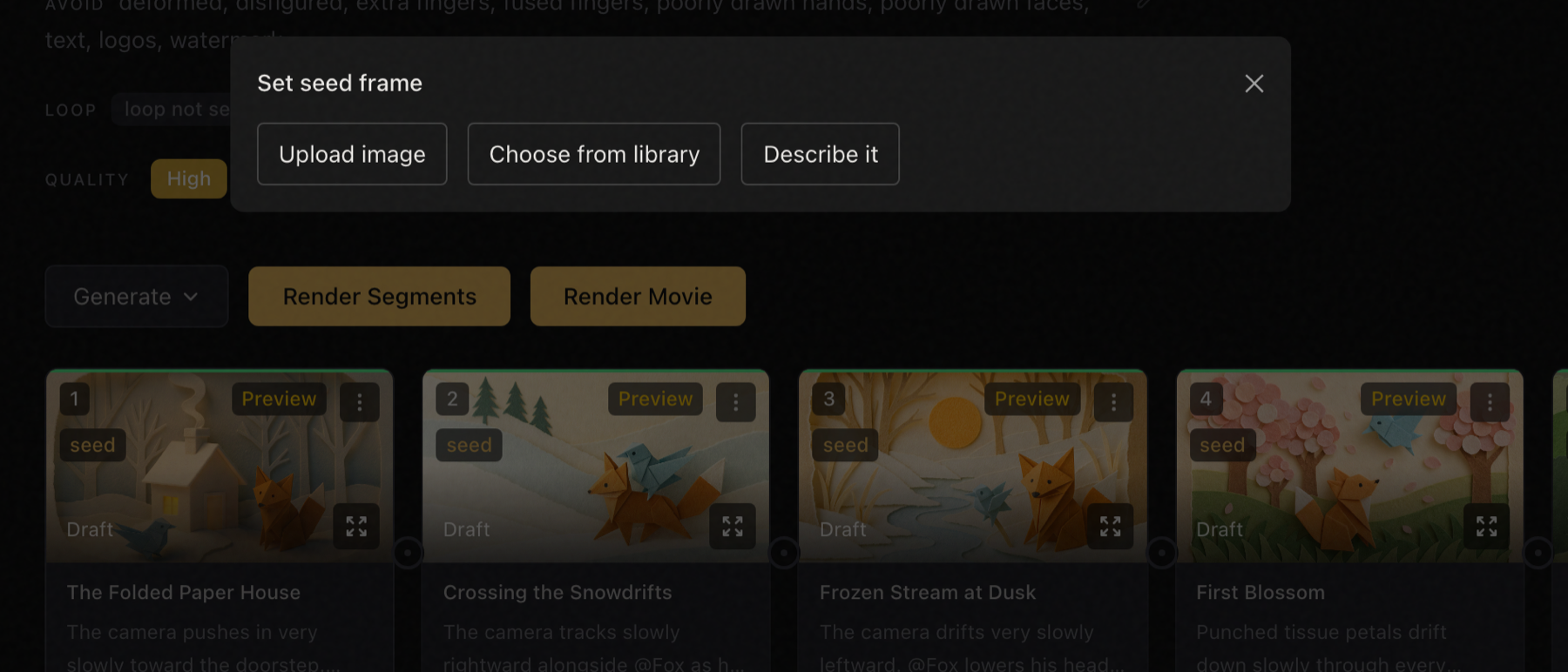
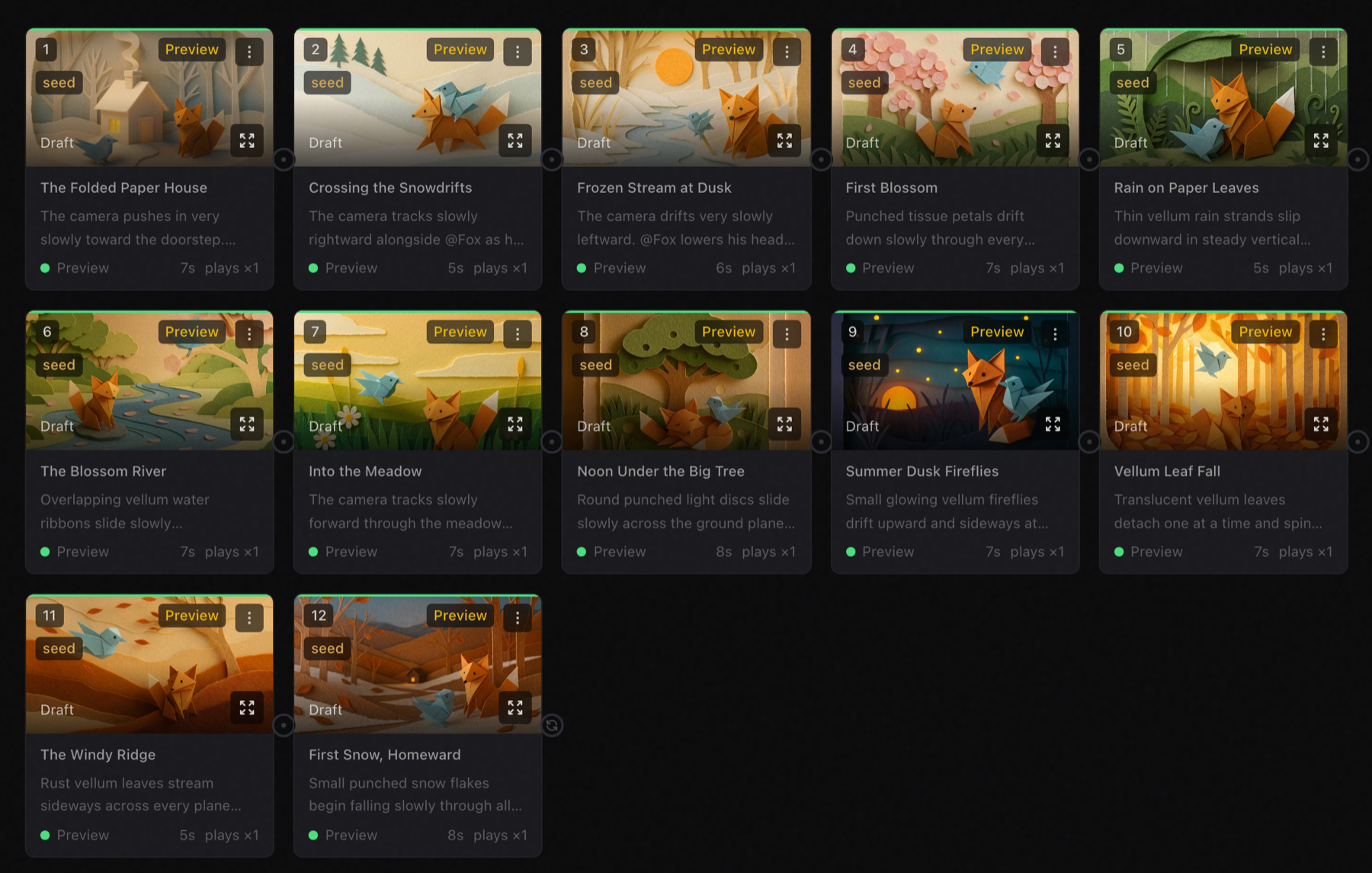
4. See a preview of every scene, and change what you like.
Before any video is made, every scene appears as a still picture: the exact frame its video will grow from. If one is not right, say what is wrong and it is drawn again, or put any picture of your own in its place: a photo of your lobby, your product on a table, a painting, a sketch. Change the theme and every scene can be drawn again in the new look. Nothing moves until you are happy with what you see.
5. Make it. It is back in minutes, however long it is.
You see what it will cost before you start. Then Implicit sends every scene to its own high-speed GPU at the same time, so a two-hundred-scene storyboard comes back about as quickly as a six-scene one: in as little as fifteen minutes. The scenes are joined with the transitions from your theme into one continuous video, made for your screen's exact shape.
Change one scene, not the whole story.
Change one scene and only that scene is made again. Keep the story and give it a new look for the season. Send a link that plays on a phone to your GM or your tenants to sign off, expiring in 7, 30 or 90 days.
Run your screens
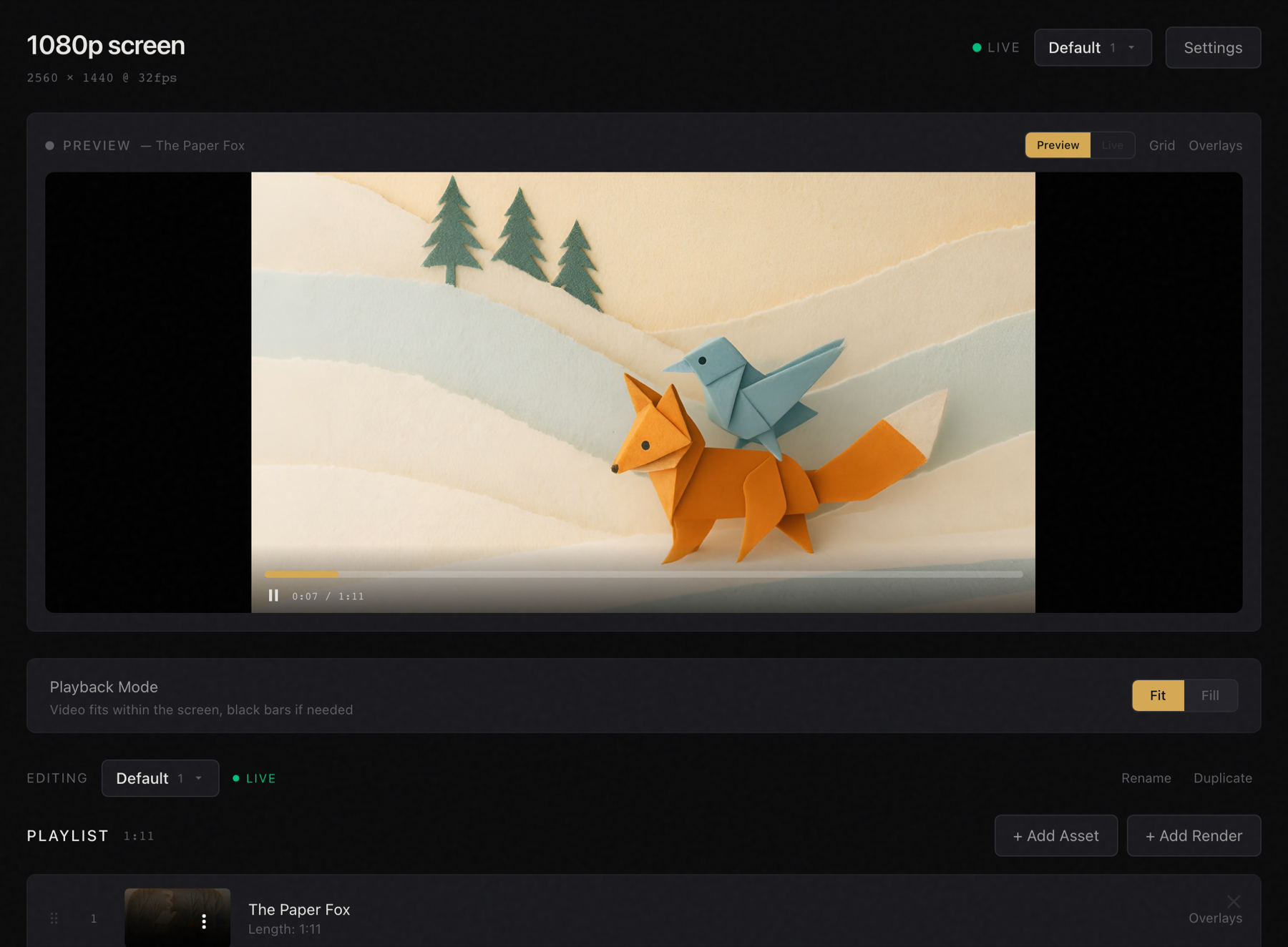
Choose what plays, and in what order.
Each screen has a lineup: the videos it plays, round and round, in the order you set. Keep several lineups and switch between them, one for the holidays, one for the rest of the year.
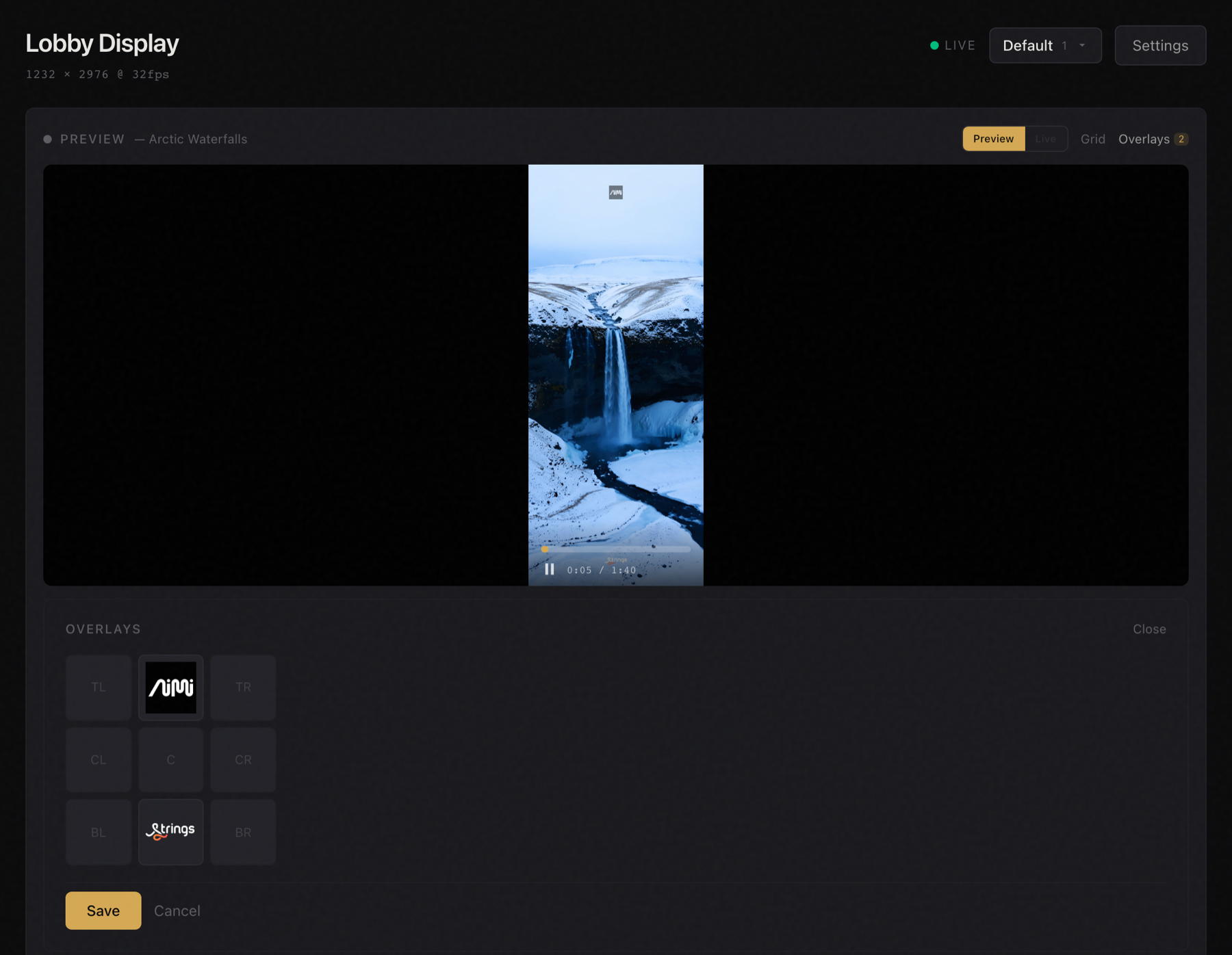
Logos on top.
Your tenants' logos, or your own, in any of nine places on the screen. Set them per video. Move them, swap them or take them down, and the video underneath is never made again.
Your own videos too.
Already have a video you like? Upload it and put it in the lineup beside the ones you made with Implicit.
From a browser, wherever you are.
See what each screen is playing and when its player last checked in. Change what plays from your desk or your phone. Nothing goes on a screen unless you put it there. No trip to the server room.
You pay to make video, never to play it.
A credit pays for making video. Every paid plan includes 100 credits a month. A video uses credits for each scene; remaking one scene uses credits for that scene only; sharper and longer cost more. Watching, reordering what plays, sharing and adding logos cost nothing. You see the cost before anything is made. More credits are $1 each from $50, and they never expire.
No hardware required.
Our player app runs on most media servers, Linux, Windows or Mac. Install it once; after that it runs on its own and updates itself. It keeps a copy of every video, so it uses very little network bandwidth and the screen keeps playing through a network outage.
Your first month is free.
100 free credits. A card to sign up. Free for a month, then $150 a month unless you cancel.
Get started